If You're Being Cyberbullied
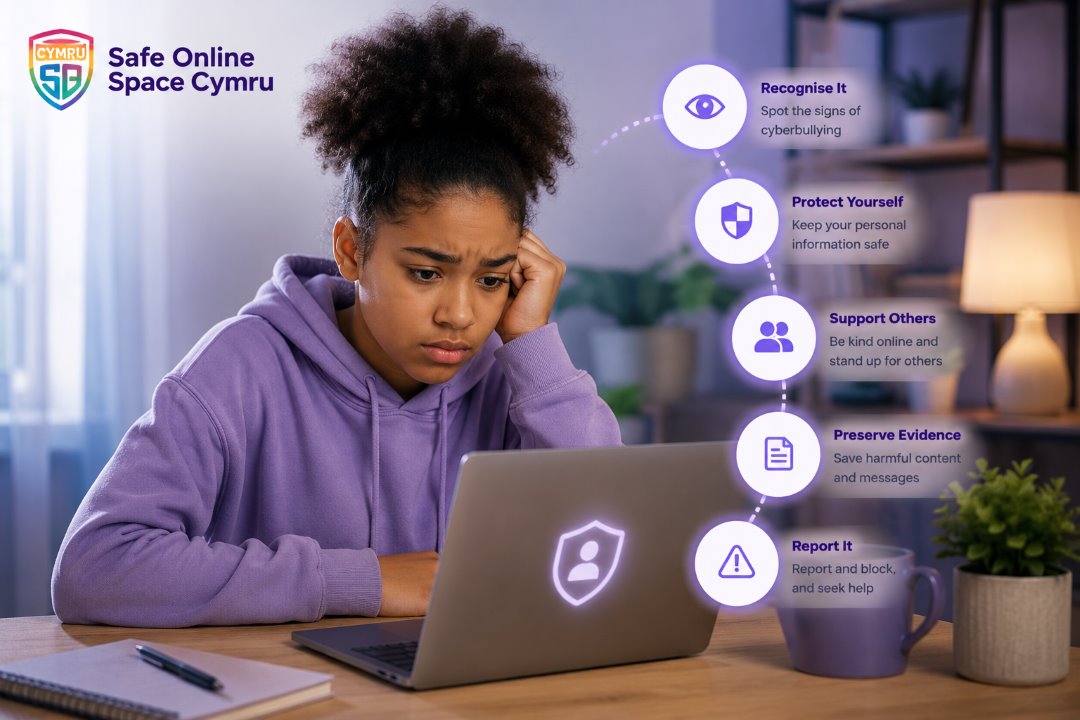
Cyberbullying can happen through social media,
messaging apps, online games, emails or other
digital platforms. Remember that abusive behaviour
online is never acceptable, and support is available.
01
Stay Calm Before Responding
Avoid replying while feeling upset or
angry. Responding immediately can
sometimes make the situation worse.
Taking time to think helps you decide
on the safest next step.
02
Save Evidence
Take screenshots, save messages,
record usernames, dates and website
links. Keeping evidence may help if
you need to report the behaviour.
03
Block And Report
Most online platforms provide tools
to block users and report abusive
behaviour. Reporting helps platforms
identify harmful content and protect
others.
04
Talk To Someone You Trust
You don't have to manage online abuse
alone. Speak with a trusted friend,
family member, teacher, manager,
youth worker or another supportive
person.
05
Look After Your Wellbeing
Online abuse can affect your emotional
wellbeing. Take breaks from social
media where possible and spend time
with supportive people and activities
that help you feel safe.
06
Seek Further Help If Needed
If the abuse involves threats,
harassment, stalking or criminal
behaviour, report it to the relevant
authorities and seek specialist
support.
Helpful Reminder
Experiencing cyberbullying is never your fault.
Seeking help is a positive step, and many
organisations are available to provide advice
and support.
If You're Receiving Online Hate
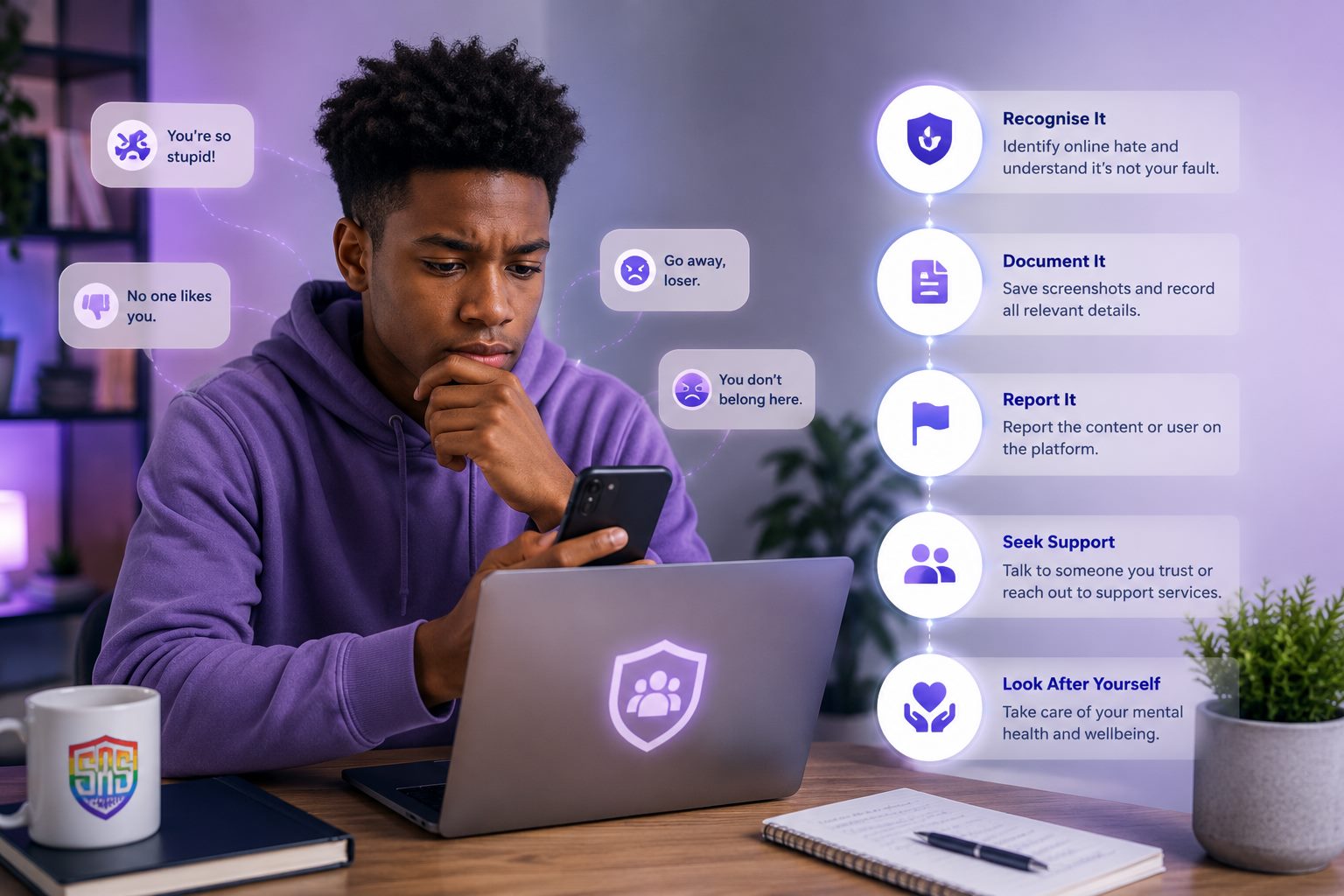
Online hate may target someone because of their
race, ethnicity, religion, disability, gender,
sexual orientation or other protected
characteristics. Nobody deserves to experience
hateful behaviour online.
01
Avoid Engaging
Responding to hateful comments often
encourages further abuse. Where
possible, avoid arguments and focus
on protecting yourself.
02
Keep A Record
Save screenshots, usernames,
timestamps and web links before
reporting or blocking the content.
03
Report The Content
Use the reporting tools provided by
the platform. Many social media
services have policies covering hate
speech and abusive behaviour.
04
Protect Your Mental Wellbeing
Exposure to online hate can be
emotionally exhausting. Consider
taking breaks from the platform and
spending time with supportive people.
05
Seek Community Support
Reach out to trusted organisations,
community groups or support services
that understand your experience and
can provide guidance.
06
Report Serious Incidents
If online hate includes credible
threats of violence or behaviour that
may amount to a criminal offence,
contact the appropriate authorities.
Remember
You deserve to feel safe online. Reporting
hate helps create safer digital spaces for
everyone and may prevent others from
experiencing similar abuse.
Someone Shared My Photos Without Permission
Having personal photos or videos shared without your
permission can feel distressing and overwhelming.
Acting quickly can help reduce further sharing and
protect your privacy.
01
Stay Calm And Assess The Situation
Take a moment before responding. Identify
where the content has been shared and who
has access to it. Avoid reacting publicly
while you gather information.
02
Save Evidence
Capture screenshots, usernames, profile
links, dates and URLs. This information
may be useful if you need to report the
content or seek further support.
03
Request Removal
If you feel safe doing so, ask the person
responsible to remove the content. If this
isn't appropriate, move directly to
reporting the material.
04
Report The Content
Use the reporting tools provided by the
platform. Many social media services have
procedures for removing content shared
without consent.
05
Strengthen Your Privacy Settings
Review who can view your profile, posts,
photos and personal information. Consider
changing passwords and enabling
two-factor authentication.
06
Seek Advice If Needed
If the content is intimate, threatening,
exploitative or continues to be shared,
seek professional advice and contact the
appropriate authorities where necessary.
Remember
You deserve control over your own images.
Support is available, and taking action early
can help reduce further harm.
I Think I've Been Scammed
Online scams are becoming increasingly sophisticated.
Whether you've received suspicious messages, clicked
on a fraudulent link or shared personal information,
acting quickly can help reduce potential harm.
01
Stop Communicating
End all communication with the suspected
scammer. Avoid clicking additional links
or providing further personal or financial
information.
02
Secure Your Accounts
Change passwords for affected accounts
immediately. Use strong, unique passwords
and enable two-factor authentication
wherever possible.
03
Contact Your Bank
If you've shared payment details or made
a transaction, contact your bank or card
provider immediately. They can advise on
protecting your account.
04
Check Your Devices
Run trusted security software to check for
malware or suspicious activity, especially
if you've downloaded files or clicked
unfamiliar links.
05
Report The Scam
Report the scam to the platform where it
occurred and to the relevant reporting
authorities in your country so others can
be protected.
06
Learn From The Experience
Review how the scam happened and share
what you've learned with family and
friends to help raise awareness and
prevent future scams.
Act Quickly
If you believe your financial information has
been compromised, contact your bank immediately.
Early action can significantly reduce the impact
of many online scams.
I'm Worried About A Child
If you're concerned that a child or young person may
be experiencing online abuse, cyberbullying or another
online safety issue, responding calmly and supportively
can make a significant difference. Children often need
reassurance that they will be listened to and helped.
01
Stay Calm And Listen
Give the child time to explain what has
happened. Listen without interrupting or
placing blame. Let them know they've done
the right thing by speaking to you.
02
Reassure Them
Explain that they are not alone and that
support is available. Reassurance helps
children feel safe enough to continue
sharing information.
03
Gather The Facts
Find out what happened, where it happened,
who was involved and whether there is any
evidence such as screenshots or messages.
04
Report Harmful Content
Use the reporting tools available on the
platform to report abusive content or
accounts. Help the child block anyone who
is causing harm if appropriate.
05
Work With Trusted Adults
Where appropriate, involve the child's
school, youth organisation or other trusted
professionals who can provide additional
support and safeguarding.
06
Seek Specialist Help When Needed
If there are concerns about exploitation,
grooming, threats, coercion or a child's
immediate safety, contact the appropriate
safeguarding services or emergency services
without delay.
Good Practice
Children are more likely to continue asking for
help when they feel listened to, believed and
supported. Keeping communication open is one of
the most effective ways to help them stay safe
online.